VidGate · the approval gate for YouTube channels
Let your editor upload —
without letting them publish.
VidGate gives your editor a workspace instead of your channel. They upload and draft; only your click reaches YouTube.
Free during the beta. Your editor never gets a login to your channel.
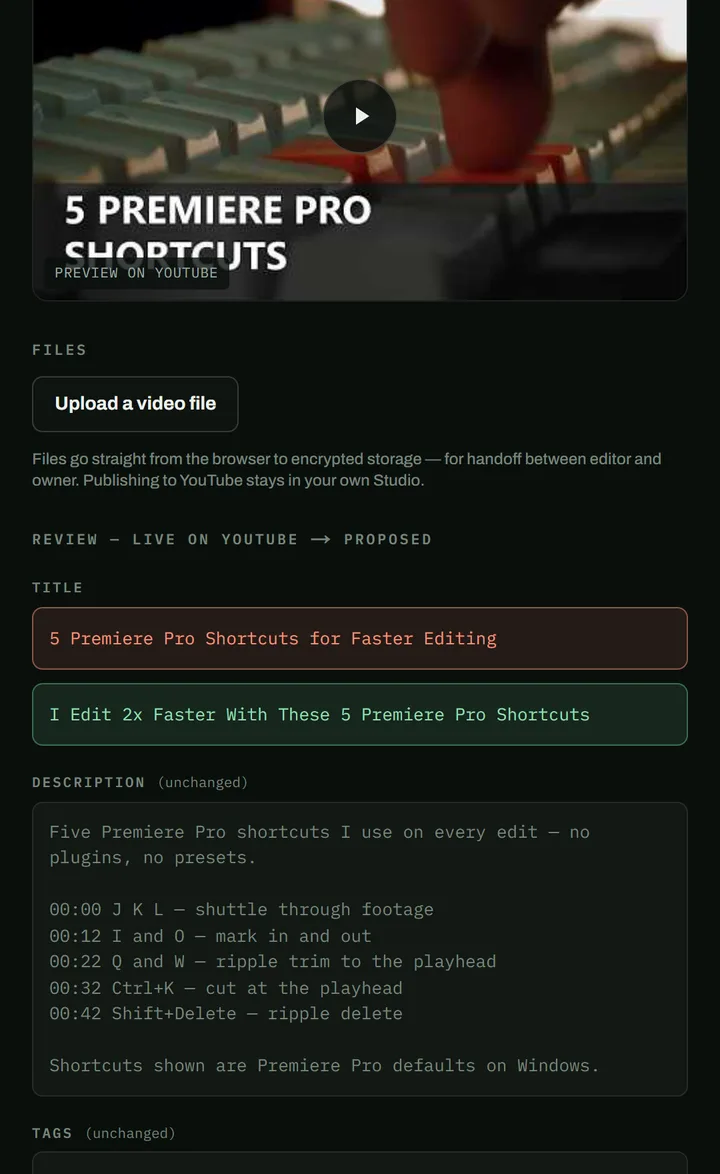
Your editor proposes
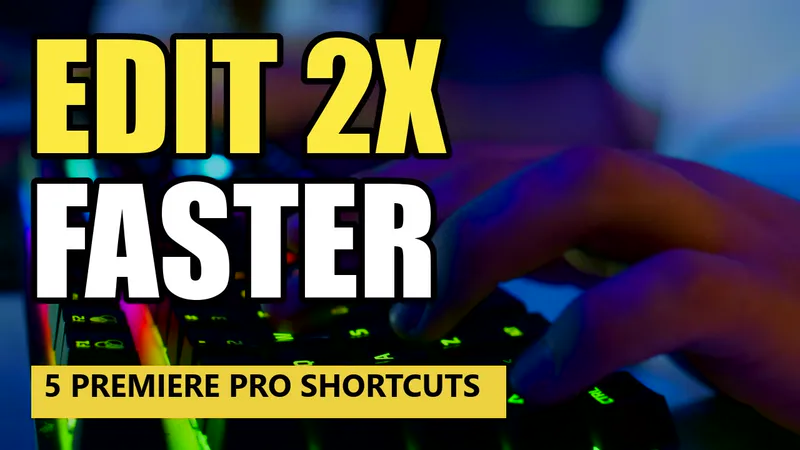
I Edit 2x Faster With These 5 Premiere Pro Shortcuts
New title · new thumbnail
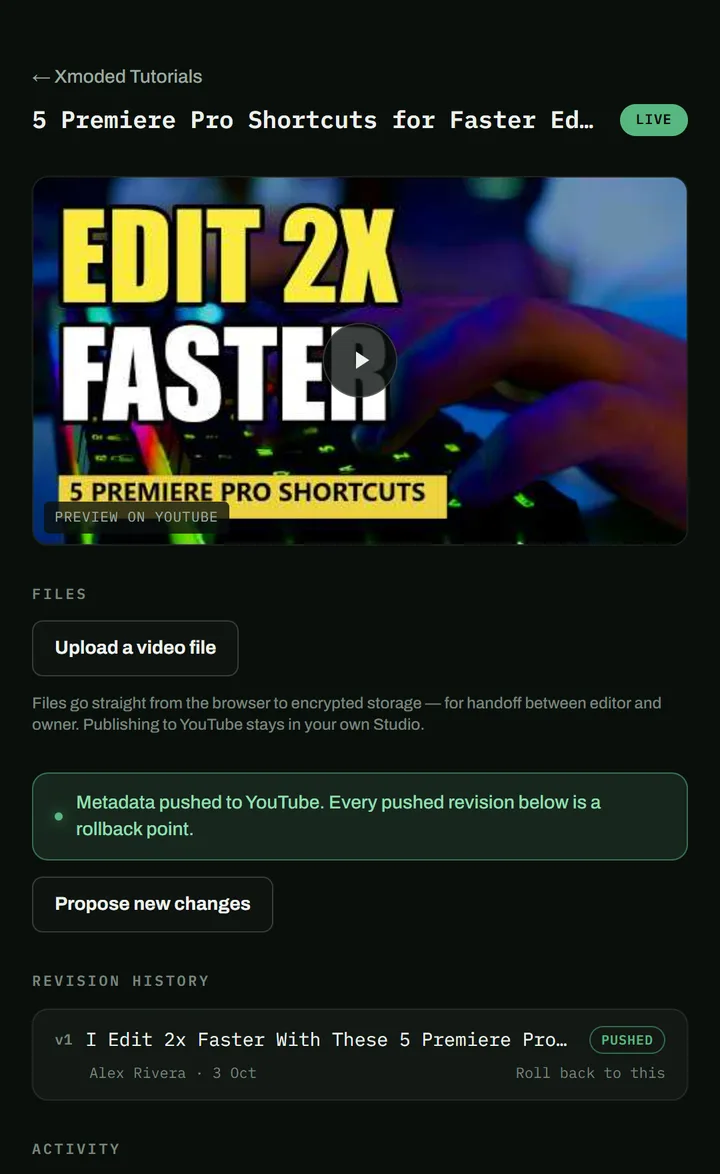
Live on your channel
5 Premiere Pro Shortcuts for Faster Editing
Unchanged until you approve
Held at the gate. Try it — nothing reaches YouTube until you approve.
VidGate is an approval-gated collaboration workspace for YouTube channels.
- 01
Your editor drafts and uploads
Inside VidGate — never on your channel.
- 02
You see what would change
Their version, beside what is live now.
- 03
Only your click reaches YouTube
And every push can be rolled back.
YouTube has no “upload, but don't publish” setting.
Every role that can upload can also publish — and can retitle a video that is already live.
Check all seven roles in Google's own table →| Can they… | Manager | Editor | In VidGate |
|---|---|---|---|
| Publish a video without asking you | Yes | Yes | No |
| Change a live title or thumbnail without asking you | Yes | Yes | No |
| Delete your published videos | Yes | No | No |
| See how much the channel earns | Yes | Yes | No |
Sit in your editor's chair.
Pick the access they were given, then press what they could press.
Alex has the Editor role on your channel. Press what an Editor can press.
ARAlex, your editor
Signed in to your channel as an Editor.
This login can
- Publishyes
- Edit live videosyes
- Delete publishedno
- See revenueyes
Your channel, live on YouTube
- 5 Premiere Pro Shortcuts for Faster EditingLive
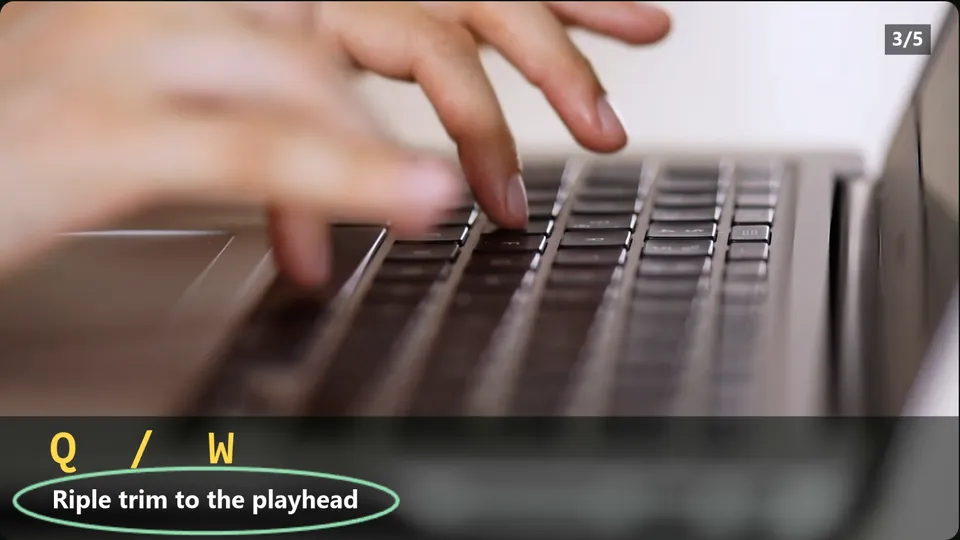 Ripple Trim to the Playhead: Q and WLive
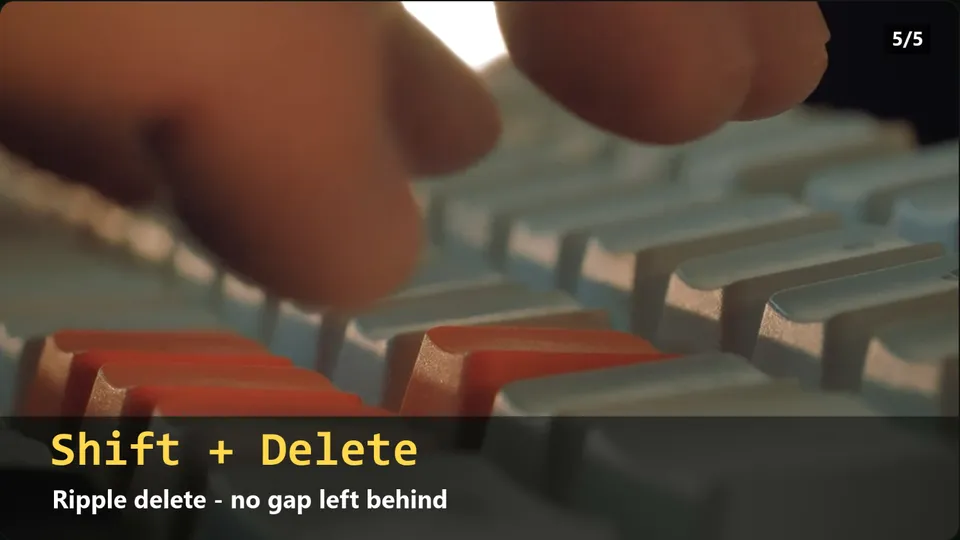 Ripple Delete, No Gap Left BehindLive
seen on r/youtubers
“Asked whether any permission lets a manager upload videos without being able to publish them — and found out it doesn't exist.”
seen on r/NewTubers
“Revoked a rogue editor's manager access — but too late. The videos were already deleted.”
seen on r/editors
“Their entire approval process: type “REVIEW” into the title, upload unlisted, and hope everyone remembers the rule.”
Paraphrased from public posts in creator and editor communities, quoted as problems — not endorsements.
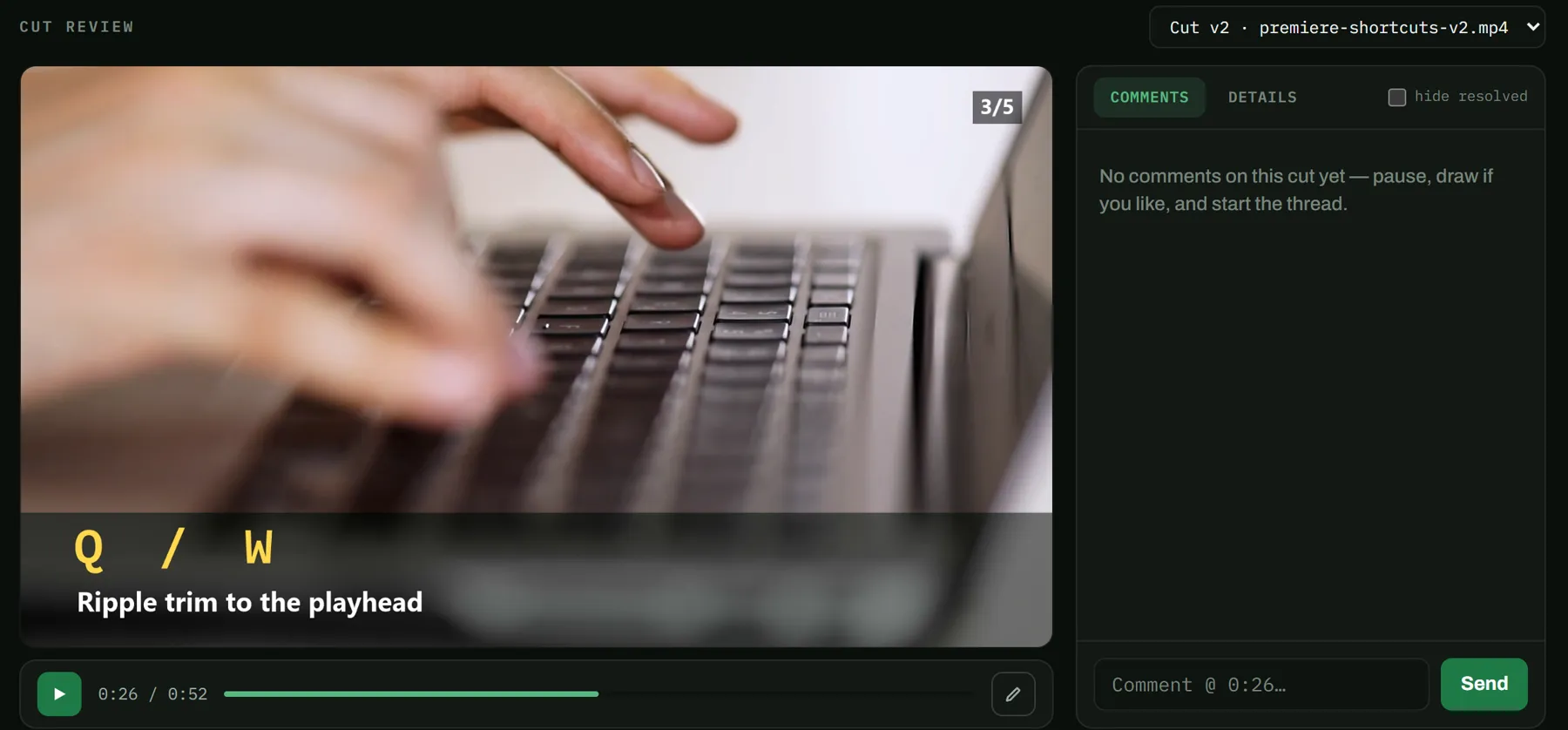
Feedback with a timecode, not a voice note.
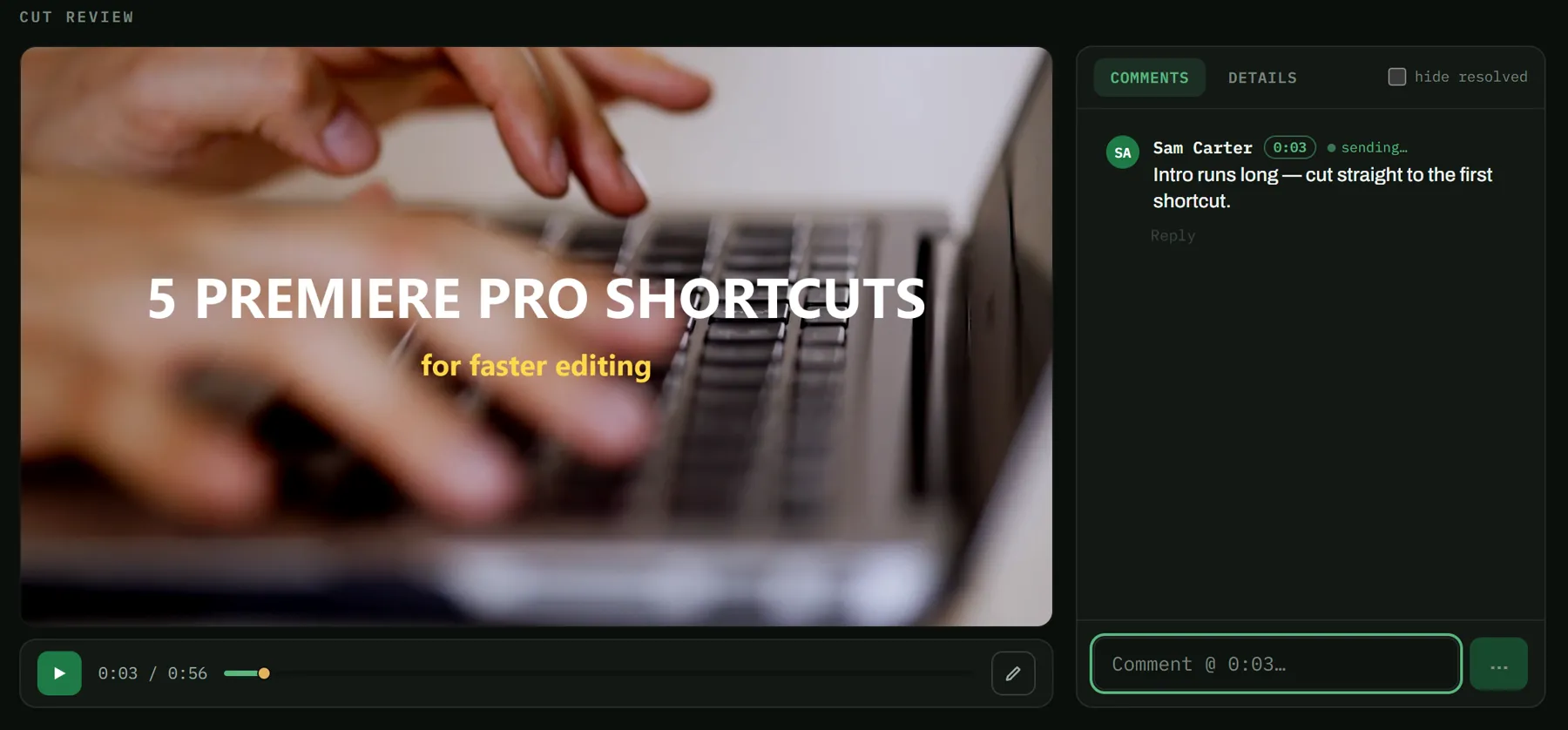
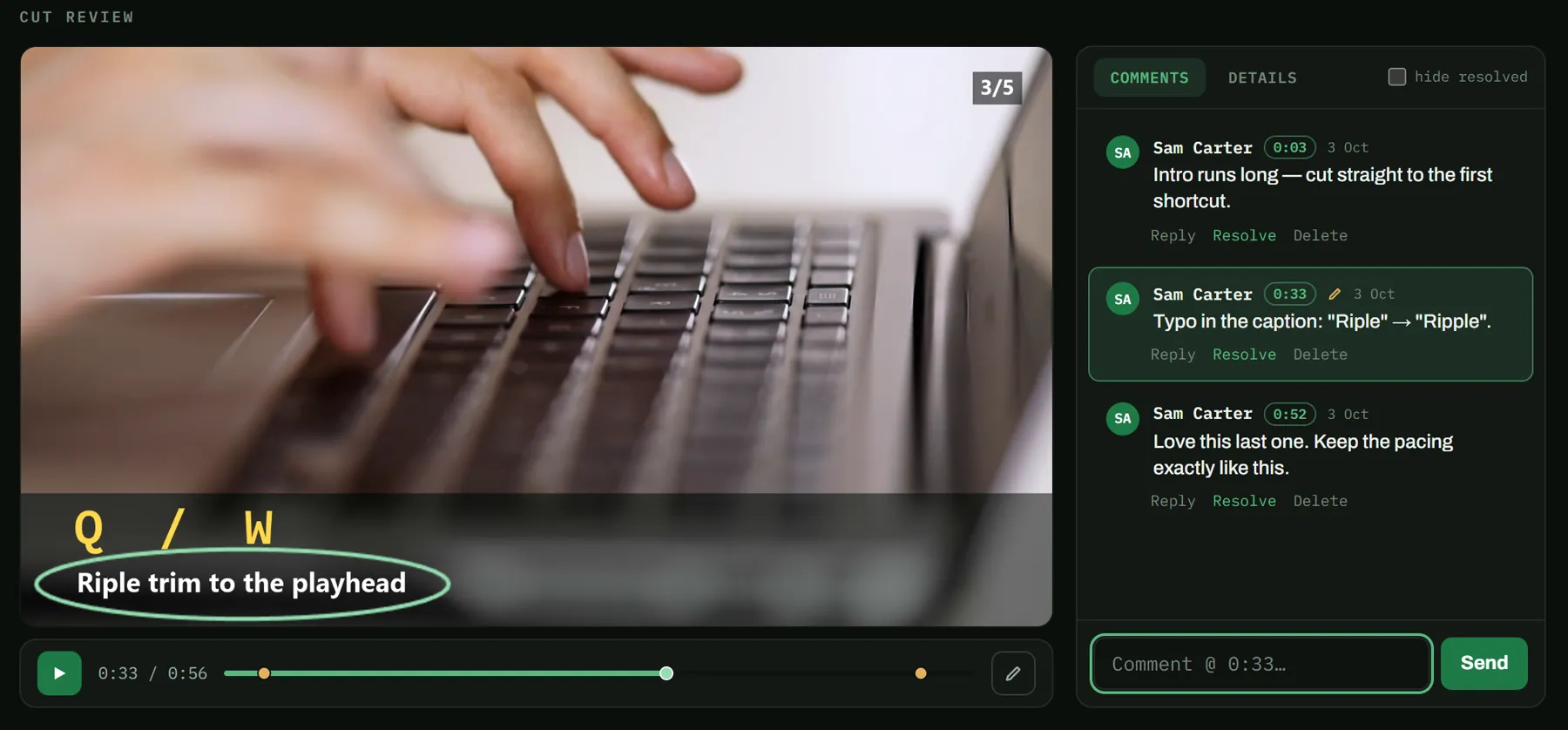
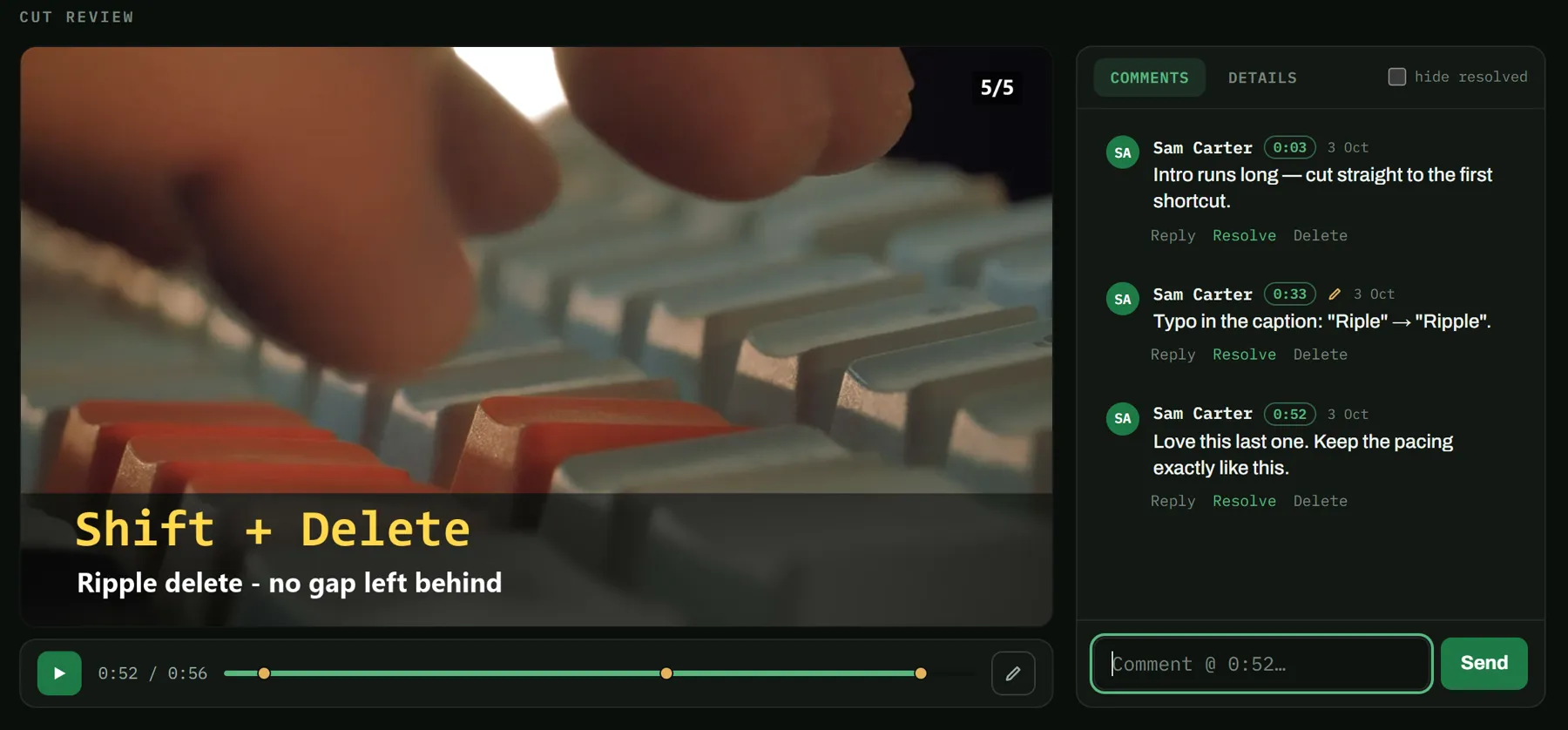
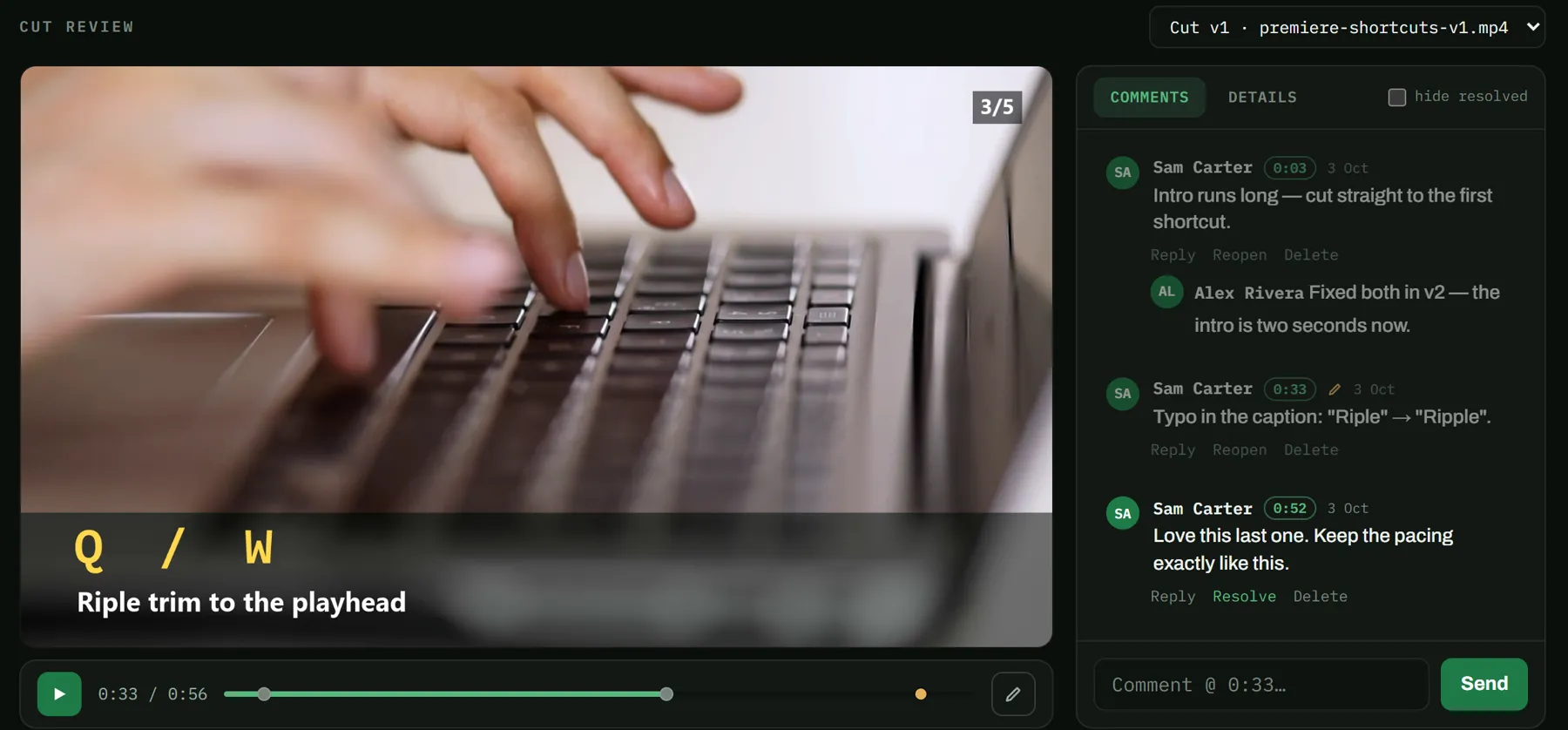
One approval, for the cut and everything around it.
Your approval locks the exact file, its title and thumbnail, and the privacy setting together. Only that package can go out.
How it works
- Editors proposeTitles, thumbnails and cuts — drafted in VidGate, never on your channel.
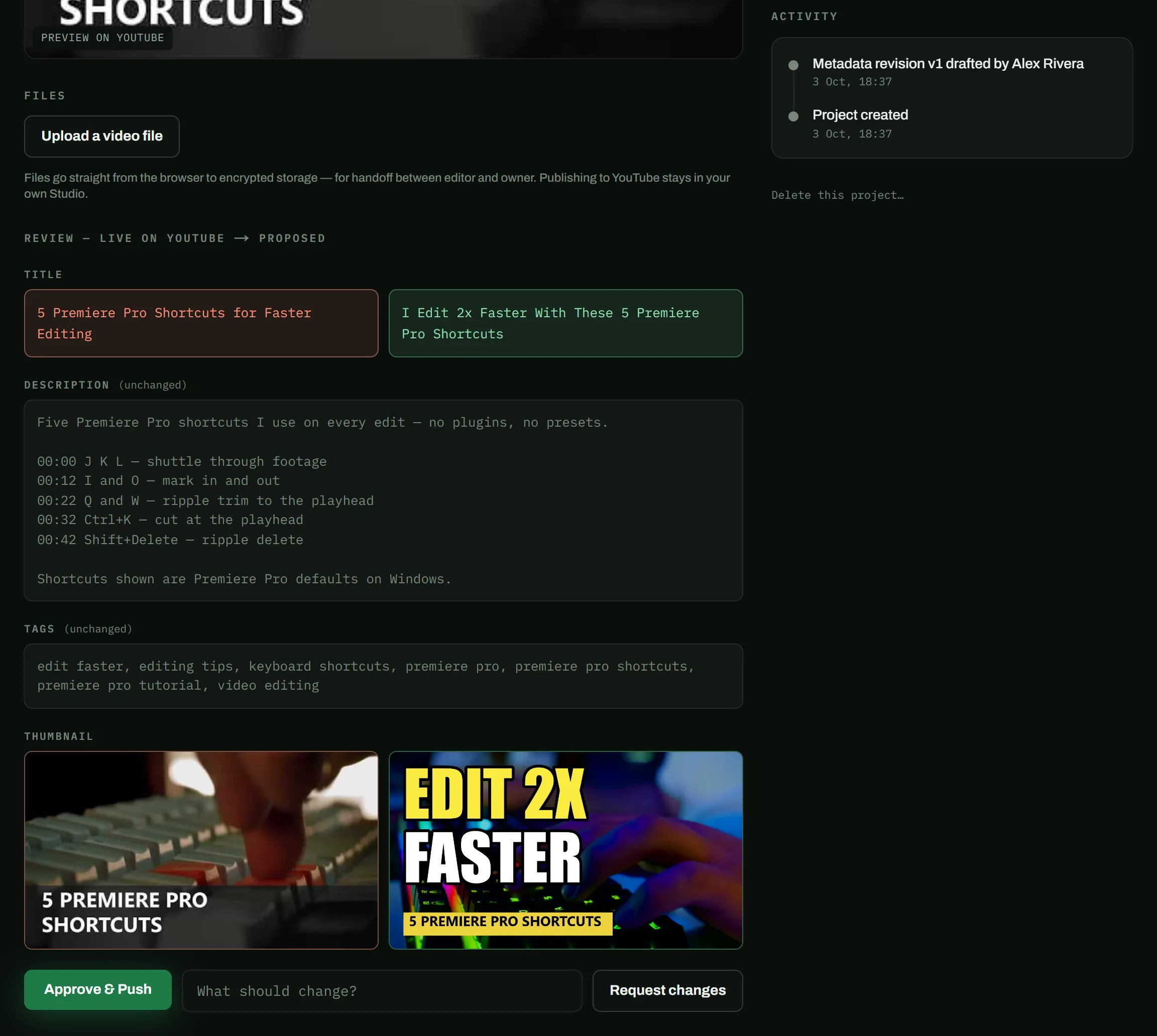
- You review the diffEvery change, side by side with what is live today.
- One click pushes liveOnly your approval reaches YouTube, and it can be rolled back.
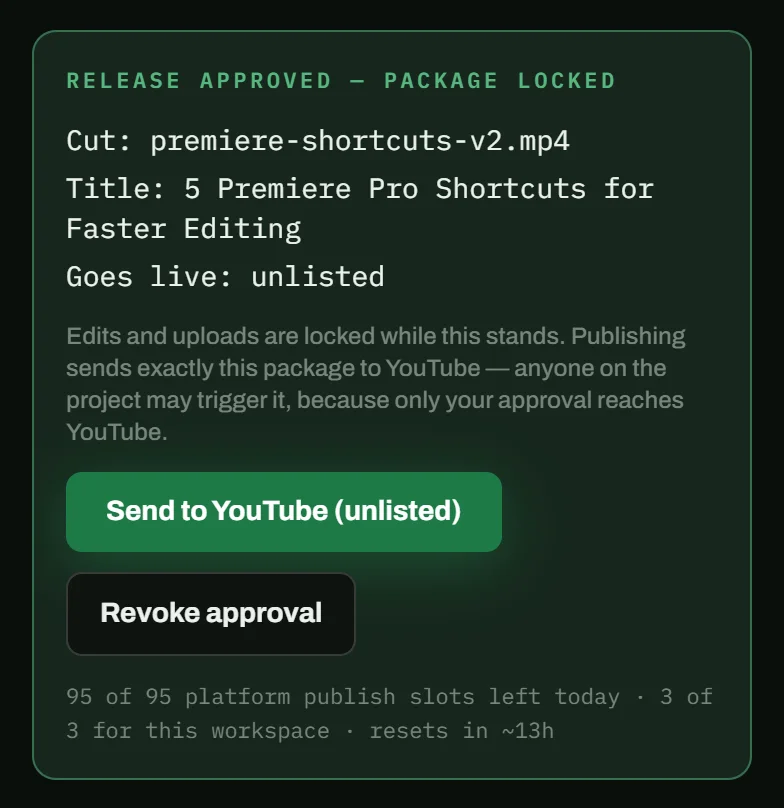
The cutpremiere-shortcuts-v2.mp4
Unlisted
Goes liveUnlisted
5 Premiere Pro Shortcuts for Faster Editing
Title5 Premiere Pro Shortcuts for Faster Editing
ThumbnailAs you approved it
After it is live, every change is a diff.
A review that fits in a train ride.
Your editor submits, you get an email, you approve from your phone.
Approve from your phone
An email when your editor submits. One tap to review it.
VidGate nowAlex submitted “Premiere shortcuts” for your review
Feedback lands on the frame
Not in a voice note about “that bit around the middle”.
0:33“Riple” → “Ripple”Every push is a rollback point
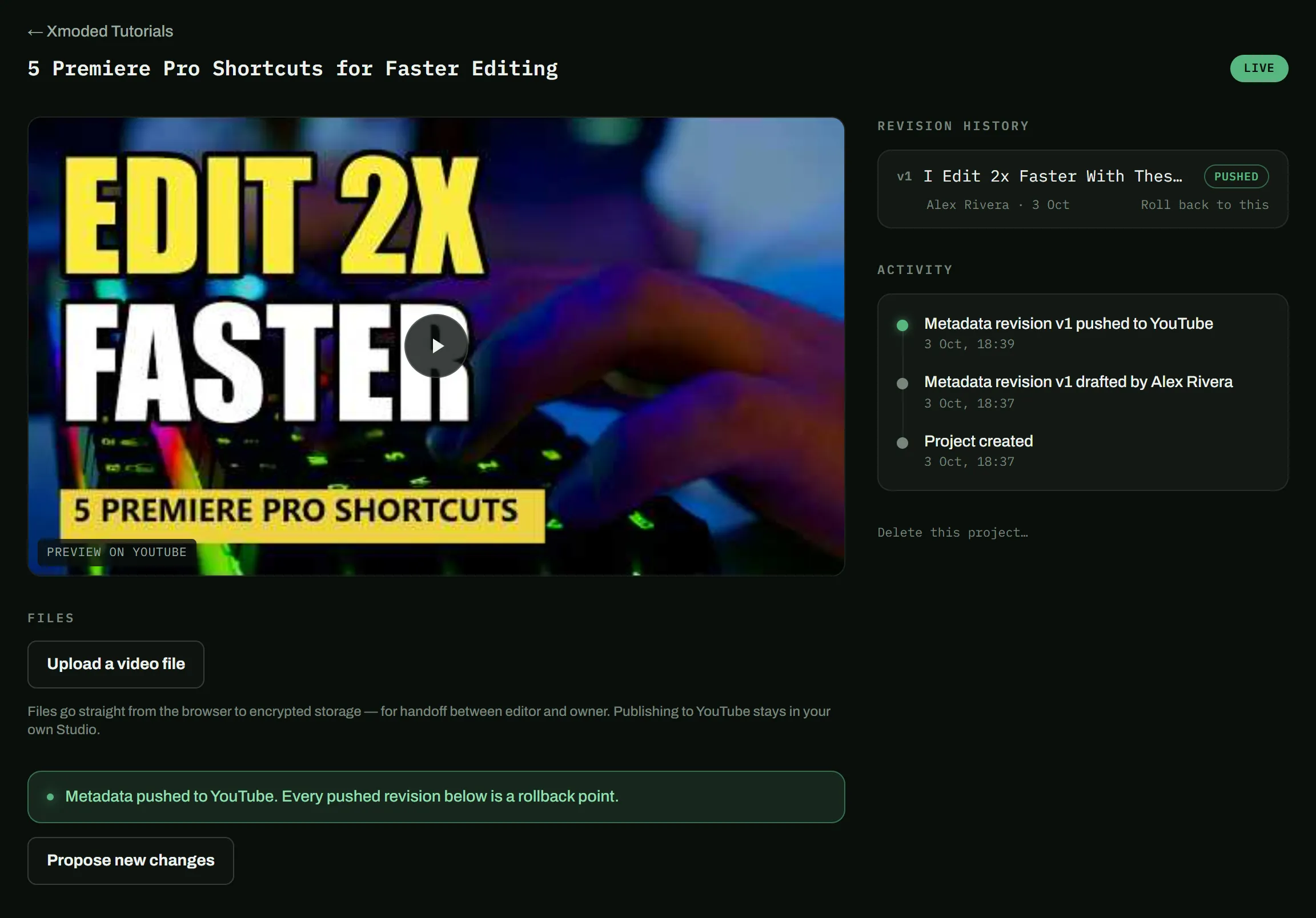
One click back to any earlier version.
The record builds itself
Who did what, and when.
- Pushed to YouTube18:39
- Drafted by Alex Rivera18:37
- Project created18:37
What VidGate does.
Title
5 Premiere Pro Shortcuts for Faster Editing
I Edit 2x Faster With These 5 Premiere Pro Shortcuts
Description (unchanged)
Tags (unchanged)
1 change · 2 fields untouched
01 / 06Metadata diffsTry it
Title
5 Premiere Pro Shortcuts for Faster Editing
I Edit 2x Faster With These 5 Premiere Pro Shortcuts
Description (unchanged)
Tags (unchanged)
Google will show you one alarming sentence.
“See, edit, and permanently delete your YouTube videos, ratings, comments and captions.”
That is Google's wording for the narrowest permission that can change a title — YouTube offers no edit-without-delete option. VidGate never calls YouTube's delete endpoint, and you can revoke its access at any time.
What VidGate never does
- Never gives editors channel access.
- Never writes to YouTube without your approval.
- Never touches your revenue, analytics, subscribers, or comments.
The details are in our Privacy Policy.
It takes two. Here are the words for the other one.
VidGate needs both of you, and you are only one. Send the note that fits.
I'm trying VidGate for our uploads. You upload the cut and draft the title and thumbnail there; I approve, and it publishes to my channel. You won't need access to the channel, and it's free for editors. https://vidgate.vsaasify.com/?for=editor
I work through VidGate — you keep your channel, you approve everything, and it's free for both of us to start. I upload the cut and draft the title and thumbnail there. Nothing reaches YouTube until you click approve, and I never need access to your channel. https://vidgate.vsaasify.com
For editors: never ask a client for channel access again.
You upload and draft in your own workspace. Your client approves, VidGate publishes. You never touch their channel, and they never have to wonder about you.
Working with a client already? Editor sign-in
- An email link to sign in. No Google account.
- Your submissions and approvals, on the record.
- Free for you, and free for your client to start.
Now
Free during the beta
The whole pipeline, including video review and publishing.
Always
Titles and thumbnails stay free
The approval gate for metadata is free forever.
Editors
Editors never pay
Unlimited editors, none of whom need a Google account.
Give your editor a workspace,
not your channel.
Questions? support@vsaasify.com